Does Deleting Your Real World Account Stop Payments?
No. The Real World's policy says deleting your account does not cancel your subscription. Cancel first in account settings, then delete. What happens to your data.
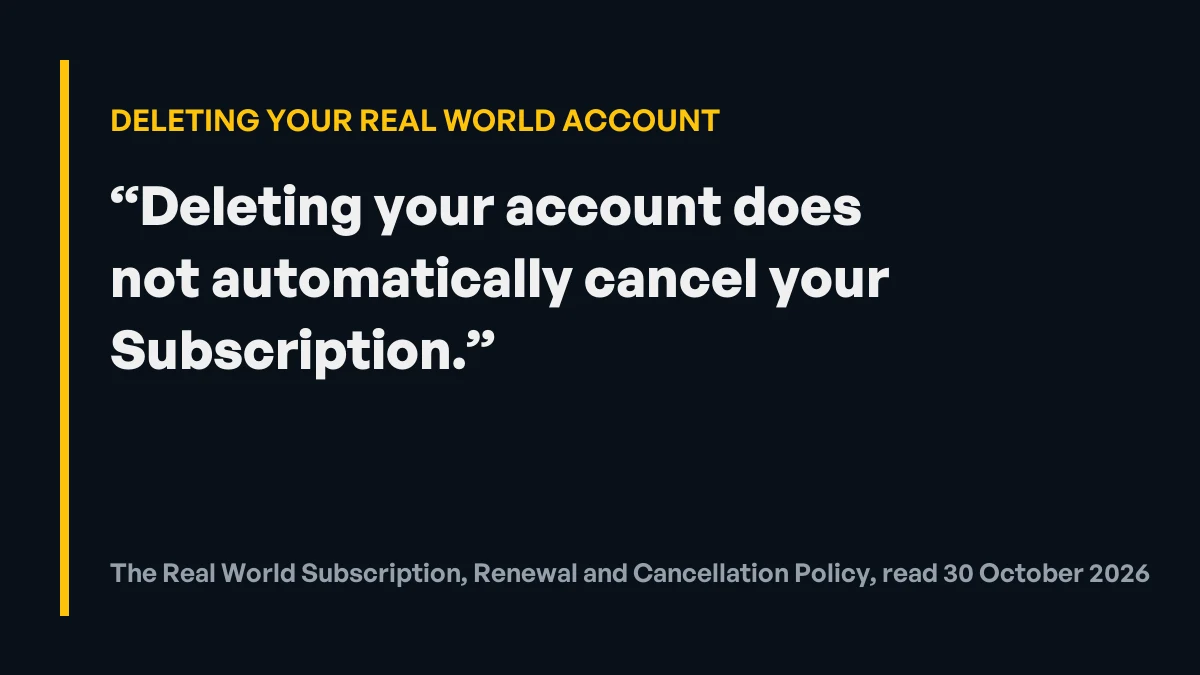
Direct answer
No. Deleting your Real World account does not stop the payments. The official Subscription, Renewal and Cancellation Policy says it in one line: "Deleting your account does not automatically cancel your Subscription." The support page repeats it. So do it in this order: first cancel the subscription in your account settings (the membership portal), before your next renewal date, and keep the confirmation; then, if you also want your data gone, delete the account. The privacy policy says you can delete your registered account at any time after logging in, and that copies in backup systems are deleted when the backups are updated. If you paid through the Apple App Store or Google Play, cancel in that store as well. Deleting is final for your progress, so if you might come back, cancel and leave the account in place. Checked on the official pages on October 30, 2026. This site is independent and isn't run by The Real World.
It’s an easy mistake to make: you decide you’re done with The Real World, delete the account to be thorough, and assume that’s the end of the payments too. The official policy says it isn’t. This page sets out what The Real World’s Subscription, Renewal and Cancellation Policy, support page and privacy policy say about deleting an account, all read on October 30, 2026, and the order to do things in. The full cancelling guide is how to cancel The Real World.
Does deleting the account cancel the subscription?
No. The subscription policy, in the section on cancelling, says: “Deleting your account does not automatically cancel your Subscription.” (policy) The support page says the same in its answer on cancelling: “Deleting your account does not automatically cancel your subscription.” (PRIMARY)
Cancelling and deleting are two separate actions:
| Cancel the subscription | Delete the account | |
|---|---|---|
| Stops future payments | Yes, if done before the next renewal payment | No, according to the official policy |
| Access | Continues to the end of the paid period | Your login and data are removed |
| Your progress | Stays in the account (no official promise for how long) | Deleted, including from backups once they’re updated |
| Where | Account settings (the membership portal) | After logging in, per the privacy policy |
From the official subscription policy, support page and privacy policy, checked October 30, 2026.
In what order should you cancel and delete?
- Cancel the subscription first. The support page says: “You can cancel at any time in your account settings (the membership portal)” (support page). Do it before your next renewal date. The policy says monthly plans “generally renew without reminder”, so check the date yourself.
- Keep proof. Save the cancellation confirmation and note the date. If a charge appears later, that’s what support will ask for.
- If you paid through an app store, cancel there too. The policy says “Purchases through Apple App Store or Google Play are subject to the relevant app store’s billing and refund policies” (policy).
- Use the access you’ve paid for, if you want to. The policy says “Access continues until the end of your current paid Subscription period.”
- Then delete the account, if you want your data removed. The privacy policy says “You may delete your registered account at any time after logging in” (privacy policy).
This page doesn’t describe where the delete button sits in the app, because the official pages don’t say and the account behind this site hasn’t been deleted. If you can’t find it, email support from the address you joined with, through the official support page.
What happens to your data when you delete the account?
The privacy policy sets out three things (PRIMARY, checked October 30, 2026):
- Backups take time. After a deletion request, “we cannot guarantee that the corresponding information will be deleted from the backup system immediately”, but “such information will be deleted when the backup system is updated unless otherwise provided by laws and regulations.”
- Some records are kept. The policy says it can’t always delete everything: “we have to keep records of your purchases until they are finished, and we can’t delete data that is required by law or already public.”
- You may be asked to prove who you are. “Before we delete anything, we will ask you to prove who you are to keep your account safe” (privacy policy).
Your learning progress goes with the account: the privacy policy lists “progress and completion status” among the education data it holds. If there’s any chance you’ll come back, read what happens to your progress if you rejoin The Real World before deleting anything.
What if you already deleted it and the charges continue?
Then the subscription is probably still running, as the policy warns. Contact The Real World support from the email address you joined with, through the official support page, and ask for the subscription to be cancelled. Give the charge dates. The policy says fees are “generally non-refundable once the Subscription period has commenced” and that requests outside the policy “may be considered at our sole discretion”, so a refund for charges after a deletion isn’t automatic. Your rights in the UK and the US, including card disputes, are in how to cancel The Real World.
What has the member behind this site seen?
The person behind this site has been a member since about April 2022 and has never cancelled or deleted his account, so he has no first-hand account of either. Everything on this page comes from The Real World’s own published policies. (OWNER)
When this doesn’t apply
- You paid through the App Store or Google Play. The store runs the billing, so cancel there; deleting the Real World account won’t stop a store subscription either.
- You’re on Annual Pay Monthly. It’s described as a 12-month commitment charged monthly; the policy says cancelling means “no future scheduled payments will be taken”. Read your plan’s terms.
- Your country gives you stronger rights. The policy says mandatory consumer rights in your place of residence apply where they differ. This page isn’t legal advice.
- The pages change. All quotes were checked on October 30, 2026. The current subscription policy is the one that counts.
What to do next
Cancel first, in your account settings, before your renewal date, and keep the confirmation. If you only want a break, can you pause your Real World membership explains why cancelling and keeping the account is the better route. If you ever want to come back, current prices are on the plan page.
Related questions
Does deleting The Real World account cancel my subscription?
No. The official subscription policy says: "Deleting your account does not automatically cancel your Subscription." Cancel the subscription in your account settings before your next renewal date.
How do I delete my Real World account?
The privacy policy says you may delete your registered account at any time after logging in. Cancel the subscription first. If you can't find the option, email support from the address you joined with, through the official support page.
What happens to my data when I delete my Real World account?
The privacy policy says it can't guarantee the information is deleted from backup systems immediately, but that it will be deleted when the backup system is updated, unless the law says otherwise. Some records, such as purchase records, may have to be kept.
I deleted my account and I'm still being charged. What now?
Deleting doesn't cancel, so the subscription is probably still active. Contact The Real World support from the email address you joined with, through the official support page, and ask them to cancel it. Keep a record of the charge dates.
Should I delete my account if I might come back?
Probably not. Cancelling stops the payments and leaves the account in place. Deleting removes your data, including the progress The Real World stores, so you would start again if you rejoined.
What happens after you join
The member behind this site went through these steps himself. This is his own account, from 25 October 2026.
Choose a plan on the official checkout
You go to the official checkout and choose a plan. Only Conquer ($99 a month, or yearly at 17% off) can be bought now: Vanguard ($499 a month) shows “Sold Out” on the checkout (checked 25 October 2026).
Get the sign-in email
After you pay, you get an email with a link to sign in.
Set your password and log in
On the sign-in page you click “Forgot password”, which emails you a link to set your password. Then you log in.
Choose your campus
You choose your campus. Every campus is included in the one membership.
Start the courses
You start the courses: watch the lessons and take notes. Finishing lessons unlocks the next sections and chats.
The choice is yours

Take action
Don’t wait for tomorrow.
$99 / month
Conquer plan · or $996 a year (saves $192) · every campus included
- Step-by-step video lessons
- 12 business models to pick from
- Lessons from each campus's professors
- Chat groups for every campus
- Made for complete beginners
- Its own learning app
- Cancel any time in your account
 $99 a month. Cancel any time.
Sources
- The Real World Subscription Policy: deleting your account does not cancel your subscription — checked October 30, 2026
- The Real World support page: how to cancel, and deleting your account — checked October 30, 2026
- The Real World privacy policy: deleting your registered account and backups — checked October 30, 2026
- The Real World privacy policy: identity check before deletion — checked October 30, 2026
- The Real World Subscription Policy: App Store and Google Play purchases — checked October 30, 2026

therealworldus.com is run by New Age Endeavour Ltd, an independent marketing consultant to New Era Learning LLC, which owns The Real World (formerly Hustlers University), since March 2023. It is not operated by The Real World or New Era Learning LLC. Articles are written from official sources and the experience of a member since 2022, and are updated when prices or plans change.
Changelog
- : Published. Subscription policy, support page and privacy policy checked October 30, 2026.